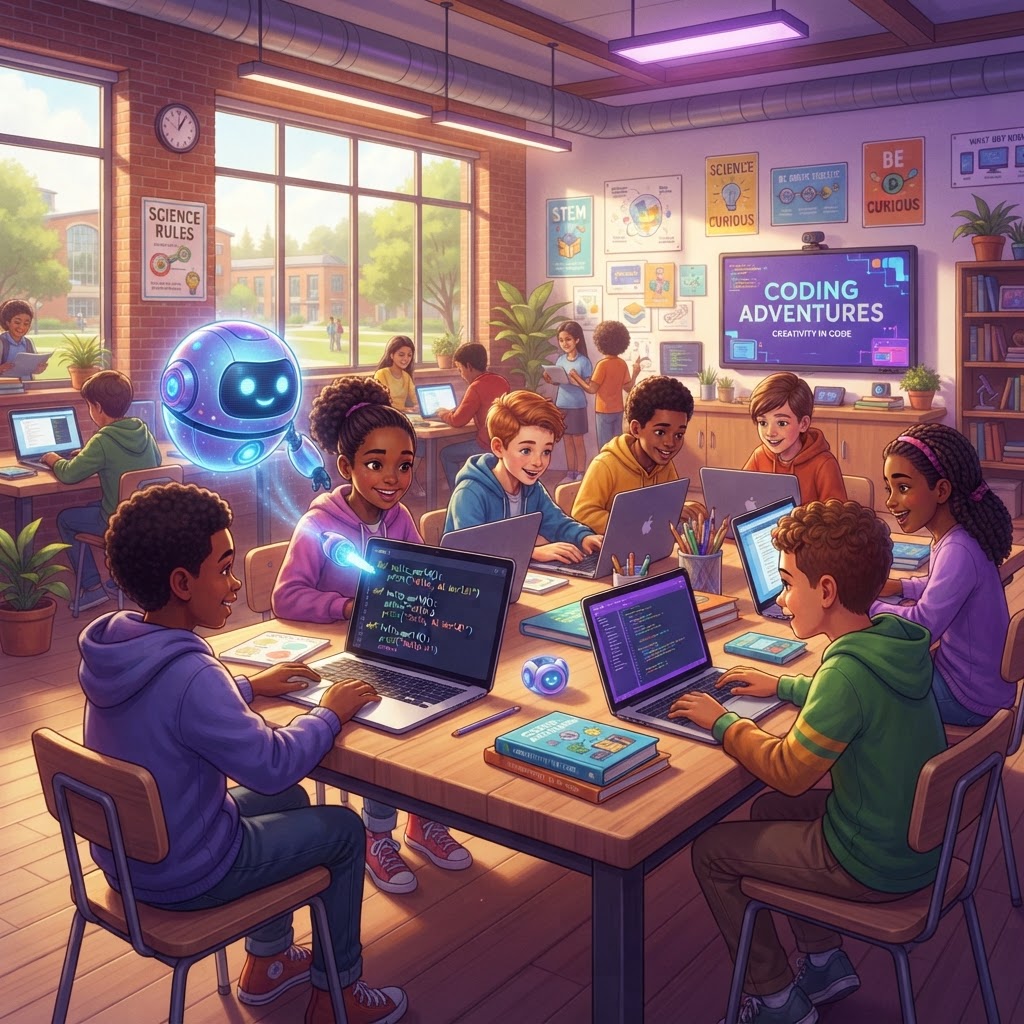
Where Kids Learn to Code for Real
Everything Kids Need to Code for Real
Not just videos and quizzes — a complete coding environment with real tools and an AI companion.
AI Coding Tutor
A talking AI avatar gives hints, error explanations, and spoken coaching — with a solver mode that steps in after two failed attempts.
Real Code Editor
Write actual Python and JavaScript with a live preview that shows results instantly.
Gamified Learning
Earn XP, level up, unlock badges, and climb the leaderboard with friends and classmates.
Safe & Supervised
Parent and teacher accounts manage everything. No independent sign-ups for kids.
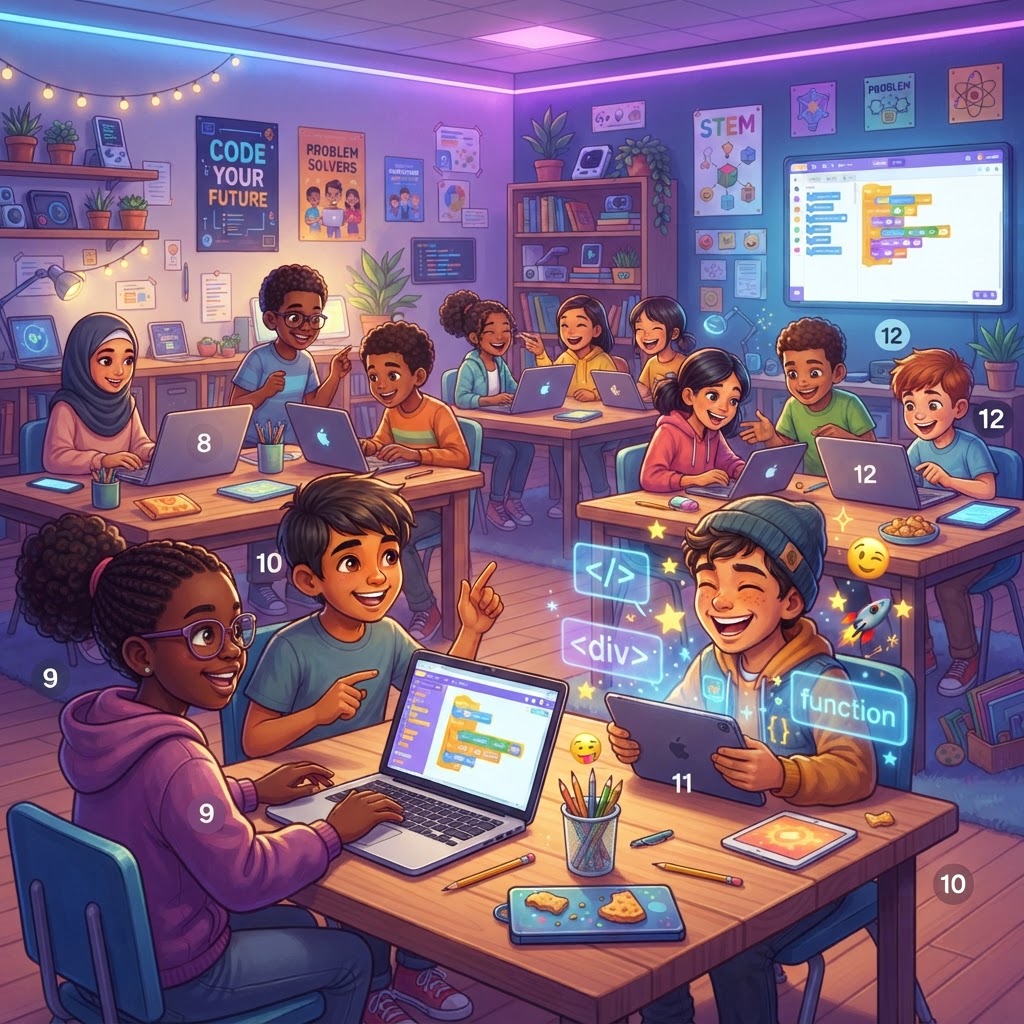
Where Kids Become Creators, Not Just Consumers
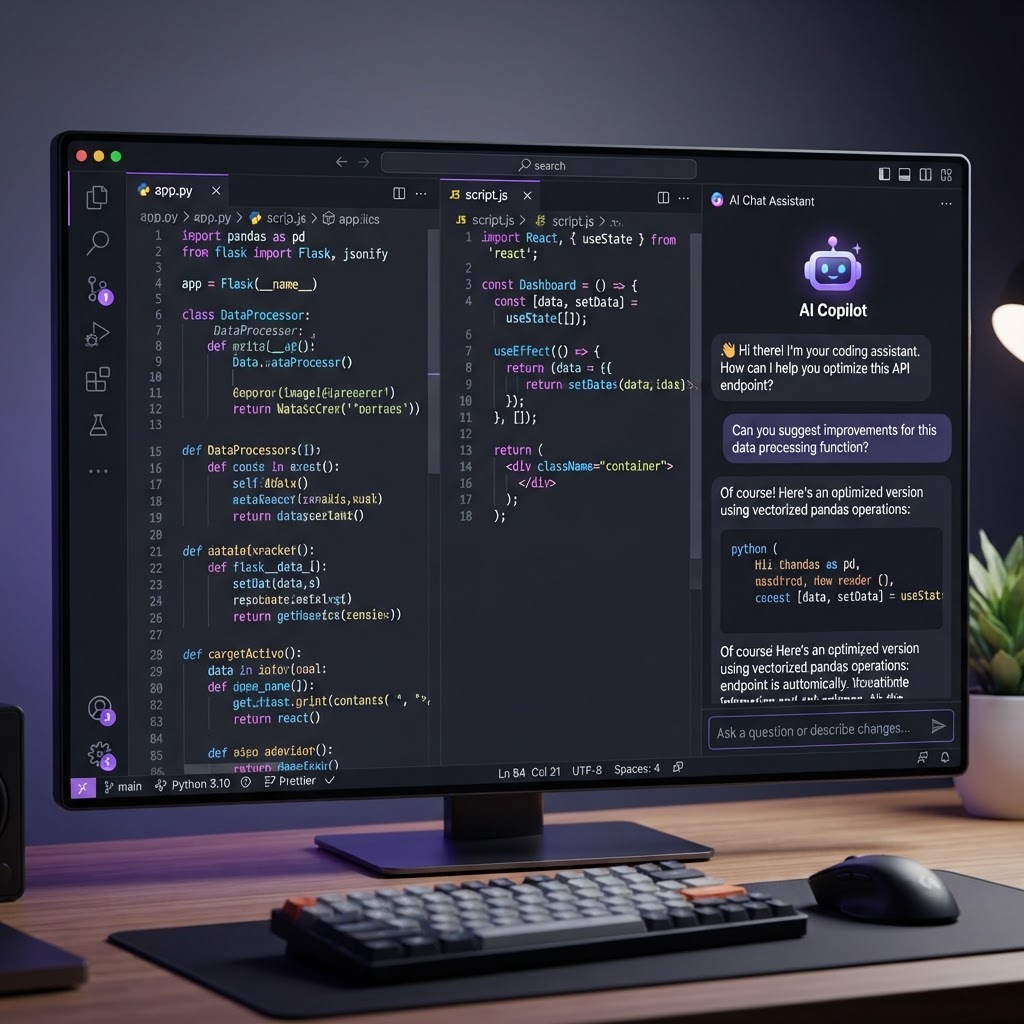
Write Code in a Real Editor
Not just videos and quizzes — kids write actual Python and JavaScript with live preview, syntax highlighting, and instant feedback on every keystroke.
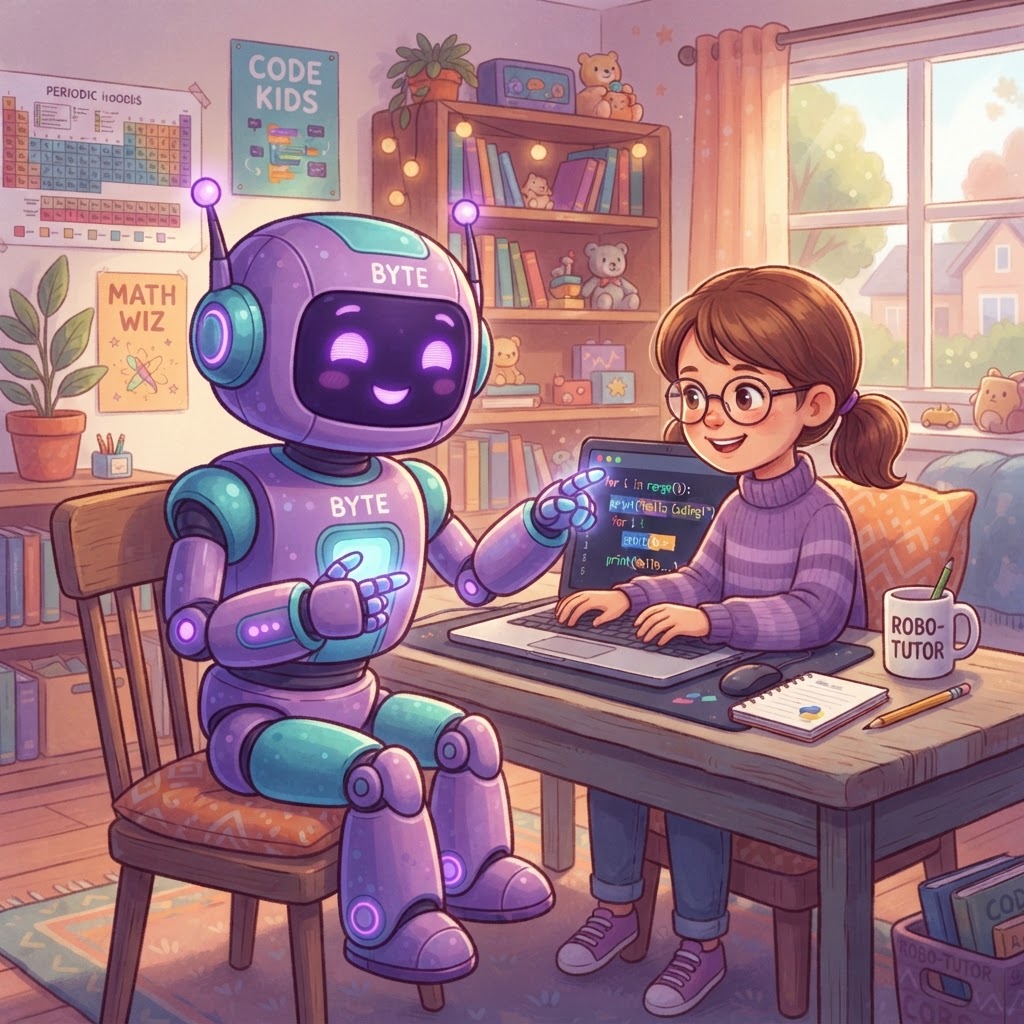
Learn with an AI Tutor
Stuck on a bug? The AI tutor gives hints and explanations — never the answer. It guides kids toward understanding, building confidence with every line of code.

Coding is a Game
Earn XP points, unlock badges, climb the leaderboard, and build a portfolio. Kids stay motivated with gamified learning that celebrates every win.
Built for Classrooms
Teachers create classrooms, share a join code, and students are coding in seconds — no student emails required. Full dashboards, challenges, progress reports, and seat management.
10,000+
Active Young Coders
200+
Coding Projects
50+
Schools & Programs
4.9/5
Parent Rating
A Massive Project Pool That Grows With Your Child
From their very first print statement to building interactive web apps — 30 hands-on projects across 3 real languages and 3 difficulty tiers, designed specifically for kids ages 6-16.
Projects
Languages
Difficulty Levels
Three Real Programming Languages
Python
Games, logic, OOP & automation
HTML & CSS
Web design, layouts & styling
JavaScript
Interactive web apps & tools
Three Difficulty Tiers
Beginner
First steps — print, tags & colors
Intermediate
Logic, loops, lists & styling
Advanced
OOP, algorithms & web apps
Designed for Kids, Not Watered Down
Step-by-Step
Every project breaks into 3-4 bite-sized steps with starter code
No Dead Ends
AI tutor gives hints, then writes the solution if stuck
Fun First
Games, pets, memes & digital art — not boring exercises
Real Rewards
XP, badges & certificates for every milestone
How It Works
Pick a Project
Browse 30 exciting projects — from games and digital art to interactive web apps — filtered by language and difficulty.
Code with AI
Follow step-by-step instructions in a real editor. Your AI tutor gives hints when you get stuck.
Earn & Share
Complete projects to earn XP and badges. Showcase your work in a personal portfolio.
Built for Every Classroom & Device
Smart tools that adapt to how kids learn — from Chromebook classrooms to tablet sessions at home.
Projector Cheat Sheet
A high-visibility syntax guide designed for smartboards — teachers toggle between Windows, Mac, and Chromebook shortcuts with massive, color-coded visuals.
Smart Keyboard Helper
When a child struggles with tricky syntax symbols, the AI tutor detects it and pops open a guided cheat sheet — showing exactly which keys to press.
Voice Celebrations
Project completions come alive with a cheerful AI voice — "Wow! You made it! You're a coding superstar!" — alongside the confetti burst.
Chromebook & Tablet Ready
The code editor scales gracefully on low-end devices — panels stack vertically on small screens, typography adjusts for legibility, and the UI stays fast.
AI That Adapts to Every Child
A talking tutor that listens, a solver that steps in when needed, and rewards that celebrate every milestone.
Talking AI Avatar
A friendly animated avatar greets kids, reads lesson instructions aloud, and coaches them through challenges with real spoken feedback.
Adaptive AI Solver
Stuck twice on the same step? The tutor switches from hints to solver mode — writing corrected code into the editor with a visual highlight.
Certificates of Completion
Every completed level earns a downloadable, personalized certificate — perfect for portfolios, parent updates, and classroom bulletin boards.
30-Project Library
30 structured projects across Python, HTML/CSS, and JavaScript — from games and digital art to interactive web apps and automation tools.
10 Ways We Bring the Classroom to Life
We mirrored the best parts of a real coding camp — peer encouragement, desk-tap accountability, tangible homework, and a tutor that watches over every student.
Live Help Check-ins
When a student goes idle or runs broken code repeatedly, the AI tutor switches to a thinking face and offers a hint, the code, or to study it together — just like a teacher walking over.
Digital High-Five
Compile perfectly on the first try and the avatar bursts into a bounce dance, sparkles, and confetti — plus bonus XP and a first-try badge.
Push-to-Talk Mic
A hands-free mic lets kids ask the AI tutor questions out loud and hear spoken answers back — true voice-to-voice, no typing needed.
Digital Whiteboard
The AI tutor draws diagrams and highlights shapes directly over the code sandbox to explain nesting, loops, and layout structure visually.
Classroom Lobby
See up to 5 online classmates as a live step-progress leaderboard (crown for the leader) and send AI-moderated praise stickers to each other.
Show & Tell
Every 5 days, the student presents a finished project out loud to the avatar, which asks a conceptual question and grades the spoken answer A–F.
Daily Bug Hunt
Once a day, the avatar shows intentionally broken code and the student becomes the helper — finding and fixing the bug to build confidence. Earns +15 XP.
Raise Hand
A permanent button interrupts the avatar mid-sentence. It stops instantly, listens, answers the question, then resumes what it was explaining.
Printable Worksheets
At session end, unlock a downloadable PDF worksheet generated by the AI — like matching tags to website parts — with an answer key Codey reads aloud.
Pop Quizzes
Switch away too long? On return, the avatar taps its desk and gives a quick pop quiz. Correct answers earn cheers; distractions get a gentle focus reminder.
Every Achievement Earns a Certificate of Completion
When kids finish a learning track, they receive a professionally designed, personalized certificate — perfect for printing, framing, or sharing with family and school.
- 🏆 Awarded after completing each coding track
- 📄 Downloadable as a high-quality PDF
- 🎓 Aligned with CSTA K-12 Computer Science Standards
- 🏫 Accepted by schools as proof of learning achievement
KidsCanCode Academy
Certificate of
Completion
This certifies that
Osinachi Ikechukwu
has successfully completed the Python Basics Track curriculum,
demonstrating proficiency aligned with CSTA K-12 Standards.
Completed on July 24, 2026
AI Chief Coding Companion
Digital Signature
KidsCanCode · Computer Science for Young Minds
Two Ways to Use KidsCanCode
Whether you're a parent at home or a teacher in the classroom, KidsCanCode adapts to your needs.
Learning at Home
Parents create child profiles, track progress, and watch their kids grow into confident coders.
- Parent dashboard with progress tracking
- Safe, supervised child profiles
- AI tutor for personalized guidance
- XP, badges & family leaderboards
Teaching in Classrooms
Teachers create classrooms, share join codes, and students start coding instantly — no emails needed.
- Teacher dashboard with student management
- Students join via class code — no emails
- Assign challenges with due dates
- Per-student progress reports
See, Guide, and Report — All in Real Time
Teachers get a live command center: watch every student's screen, chat instantly, and download detailed coding reports.
Live Class View
Watch every student code in real time on a single dashboard. Split-screen monitoring shows each child's editor, terminal output, and current step — no screen sharing, no lag, no privacy concerns.
- Real-time code mirroring for every student
- Idle detection with pulsing orange alerts
- See terminal output and step progress live
- No heavy video streaming — lightning fast
Hi Ava! Looks like you're stuck. Need a hint on line 3?
Yes please! I don't know what to type 😅
Try print("Hello!") — type it exactly like that! 💪
Two-Way Intercom
When a student goes idle, teachers can send an instant message directly into the student's workspace. Students reply without leaving their code editor — it's a built-in help channel that keeps learning on track.
- Instant messaging between teacher and student workspace
- Auto-alerts when a student is idle for 3+ minutes
- Students reply from inside the code editor
- Full conversation log saved to portfolio reports
Coding Report Downloads
Export professional PDF and DOCX portfolio reports for any student. Filter by date range, include intercom intervention logs, and share with parents or administrators in one click.
- One-click PDF & DOCX export per student
- Date range filtering — today, week, month, or custom
- Includes code snapshots, step completions & XP earned
- Intercom intervention timeline embedded in report
KidsCanCode Portfolio Report
Emma Chen — Weekly Summary
July 20-26, 2026
240
XP EARNED
4
PROJECTS
2
INTERVENTIONS
INTERVENTION LOG
Jul 24 — Teacher sent hint during step 3 (idle 3 min)
Classroom Cheat Sheet
Project on your smartboard
Live Lesson Syntax
<h1>Hello</h1>
Projector Cheat Sheet
Project a high-visibility syntax guide on your smartboard — teachers toggle between Windows, Mac, and Chromebook keyboard layouts with massive, color-coded visuals. No more repeating which keys to press!
- Full-screen projector mode for smartboards
- OS-specific shortcuts: Windows, Mac & Chromebook
- Color-coded symbol cards (< > { } " : ( ))
- Live lesson syntax with token highlighting
3-Day Free Trial — Cancel Anytime
Try everything KidsCanCode has to offer — all projects, the AI tutor, gamification, and live support — free for 3 full days. Your card won't be charged until the trial ends. Cancel anytime.
Support Whenever You Need It
From AI-powered chat to live human agents — help is always one click away.
AI Live Chat
Get instant answers from our AI support assistant — available 24/7 on every page.
Live Agent Transfer
Need a human? Transfer to a live agent anytime — directly from the chat.
Ticket System
Submit detailed tickets with file attachments. We respond within 24 hours.
Simple, Transparent Pricing
Choose the plan that fits your family or classroom. Same great features — just more capacity.
Monthly billing — cancel anytime
Family Plans
For households & homeschooling
Single Child
1 Child Profile
Perfect for one budding coder at home.
Billed monthly
- 1 Child Profile
- All projects & languages
- AI coding tutor
- XP, badges & leaderboards
- Personal portfolio page
- Progress dashboard for parents
- Live class view (split screen)
- Two-way intercom messaging
- Coding report downloads (PDF/DOCX)
- Projector cheat sheet view
Multi-Child
Up to 5 Child Profiles
Best for families with multiple young coders.
Billed monthly
- Up to 5 Child Profiles
- Everything in Single Child
- Shared family leaderboard
- Parent progress dashboard
- Priority AI tutor support
- Portfolio for every child
- Live class view (split screen)
- Two-way intercom messaging
- Coding report downloads (PDF/DOCX)
- Projector cheat sheet view
School Plans
For classrooms & departments
Classroom License
1 Teacher + 20 Students
One teacher, one coding classroom.
Billed monthly
- 1 Teacher Account
- Up to 20 Student Seats
- Teacher dashboard & reports
- Assign class challenges
- Classroom leaderboards
- All projects & languages
- Live class view (split screen)
- Two-way intercom messaging
- Coding report downloads (PDF/DOCX)
- Projector cheat sheet view
Grade Level License
3 Teachers + 120 Students
Scale coding across a whole grade or department.
Billed monthly
- Up to 3 Teacher Accounts
- Up to 120 Student Seats
- Everything in Classroom License
- Cross-classroom reporting
- Shared grade-level challenges
- Priority AI tutor for all students
- Live class view (split screen)
- Two-way intercom messaging
- Coding report downloads (PDF/DOCX)
- Projector cheat sheet view
Single Child
Perfect for one budding coder at home.
Billed monthly
- 1 Child Profile
- All projects & languages
- AI coding tutor
- XP, badges & leaderboards
- Personal portfolio page
- Progress dashboard for parents
- Live class view (split screen)
- Two-way intercom messaging
- Coding report downloads (PDF/DOCX)
- Projector cheat sheet view
Multi-Child
Best for families with multiple young coders.
Billed monthly
- Up to 5 Child Profiles
- Everything in Single Child
- Shared family leaderboard
- Parent progress dashboard
- Priority AI tutor support
- Portfolio for every child
- Live class view (split screen)
- Two-way intercom messaging
- Coding report downloads (PDF/DOCX)
- Projector cheat sheet view
School Plans
For classrooms & departments
Classroom License
One teacher, one coding classroom.
Billed monthly
- 1 Teacher Account
- Up to 20 Student Seats
- Teacher dashboard & reports
- Assign class challenges
- Classroom leaderboards
- All projects & languages
- Live class view (split screen)
- Two-way intercom messaging
- Coding report downloads (PDF/DOCX)
- Projector cheat sheet view
Grade Level License
Scale coding across a whole grade or department.
Billed monthly
- Up to 3 Teacher Accounts
- Up to 120 Student Seats
- Everything in Classroom License
- Cross-classroom reporting
- Shared grade-level challenges
- Priority AI tutor for all students
- Live class view (split screen)
- Two-way intercom messaging
- Coding report downloads (PDF/DOCX)
- Projector cheat sheet view
Need a Custom Plan?
Larger school districts, multi-campus licenses, or special requirements? Let's build a plan that fits your exact needs and budget.
Contact Us for Custom PricingInsights for Parents & Educators
Tips, guides, and stories about teaching kids to code in the age of AI.

Why Kidscancode is the best AI coding platform for kids

5 Coding Projects Kids Can Build This Weekend
Looking for a fun weekend activity? Here are five beginner-friendly coding projects that kids can build and share in under an hour.

How AI is Changing the Way Kids Learn to Code
From adaptive hints to talking AI tutors, artificial intelligence is making coding education more personalized and accessible than ever.
What Families Are Saying
Join thousands of happy families and classrooms.
"My 9-year-old went from zero coding experience to building her own web page in just two weeks. The AI tutor is incredibly patient and encouraging — she never wants to stop!"
Sarah Mitchell
Parent of Emma, age 9
"As a teacher, KidsCanCode transformed my classroom. I can assign projects, track progress, and the gamification keeps every single student engaged and excited to learn."
Mr. David Chen
4th Grade Teacher, Lincoln Elementary
"The step-by-step approach with hints — not answers! — taught my son real problem-solving. He's obsessed with earning XP and climbing the leaderboard with his friends."
Jennifer Park
Parent of Liam, age 10
Ready to Spark Their Coding Journey?
Join thousands of kids building real projects with AI guidance — at home or in the classroom.